Dashboard · Operate
Approvals
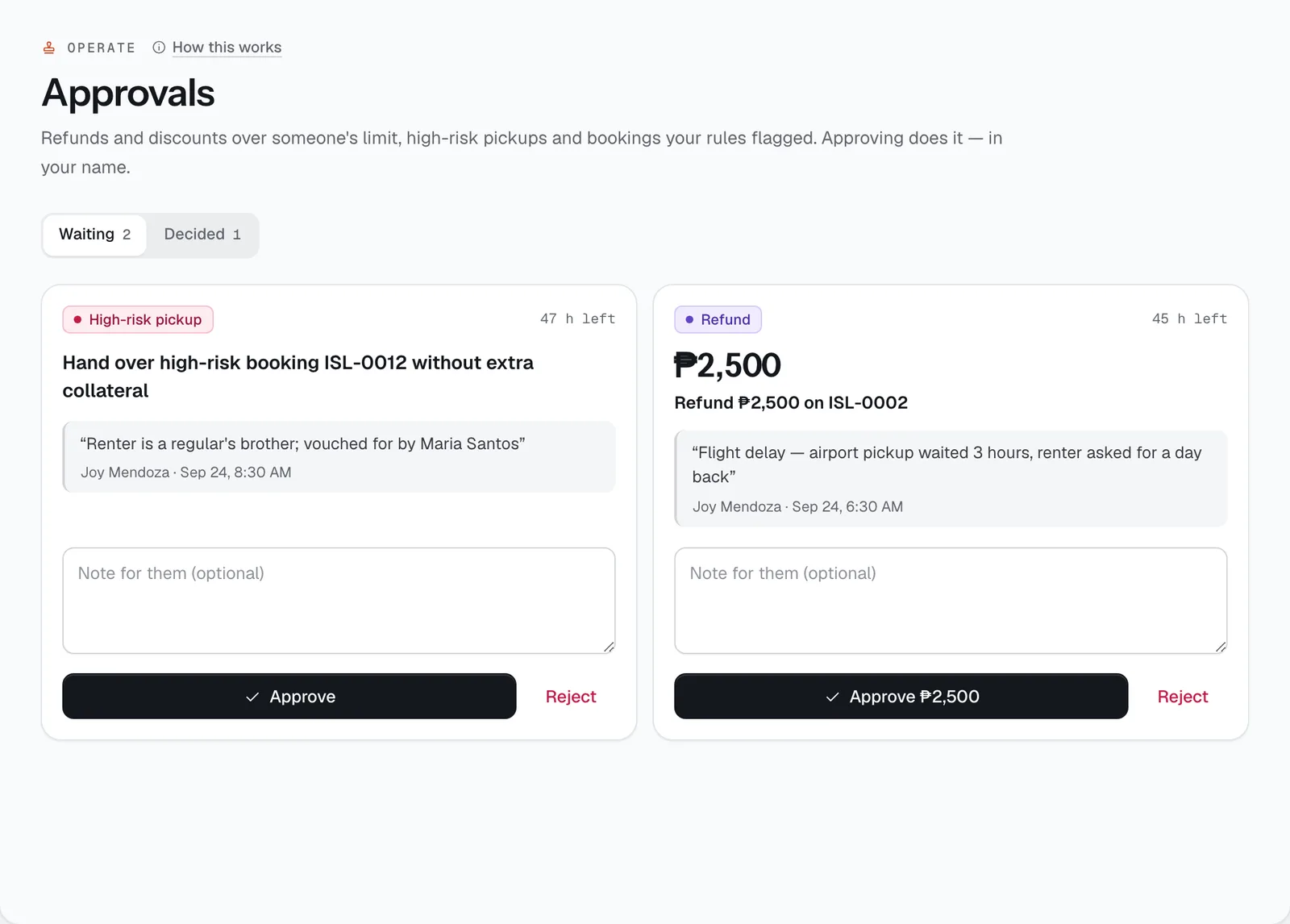
Where a manager says yes or no to what someone else can’t do alone: a refund or discount over their limit, handing the keys to a high-risk renter, a booking an automation rule flagged, or a cash count that’s off.
- Where
- Operate → Approvals
- Who can use it
- Anyone who handles bookings can ask. Owners and managers decide; accountants decide cash counts.
- Plans
- Every plan.
- Checked
- Sep 25, 2026
What you can do
- See what’s Waiting and what was decided in History, each with who asked, why and for how much.
- Approve or Reject a request, with an optional note. Approving does the thing itself — the refund goes out, the discount is applied — in your name.
- Ask for approval from a booking with Ask a manager when a refund or discount is over your limit, or from the risk card before a high-risk pickup.
- Withdraw a request you made that nobody has answered yet.
How it works
- Owners and managers who can approve get a text and an email with a link to the request, so they can decide from their phone. The request also shows in the staff alerts.
- Nobody approves their own request. A request nobody answers lapses after its time runs out, and the person who asked is told.
- Limits add up per person and per booking: two small refunds on the same booking count as one bigger one.
- A booking waiting for approval can’t be handed over until a manager approves it.
- Cash counts that are off by more than your limit come here from the Cash drawer; whoever reviews cash (owners, managers, accountants) decides those.
Still not sure how it works?
Ask a person, in Filipino or English — Mon–Sat, 8:00–20:00 PHT.