Dashboard · Customers
Message templates
The words in every email and text CeeRent sends — to your renters and to your own team. Reword any of them, add a Filipino, Korean, Chinese or Japanese version for renters, and choose who else on your team hears about a notice.
- Where
- Customers → Message templates
- Who can use it
- Owners and managers.
- Plans
- Every plan.
- Checked
- Sep 25, 2026
What you can do
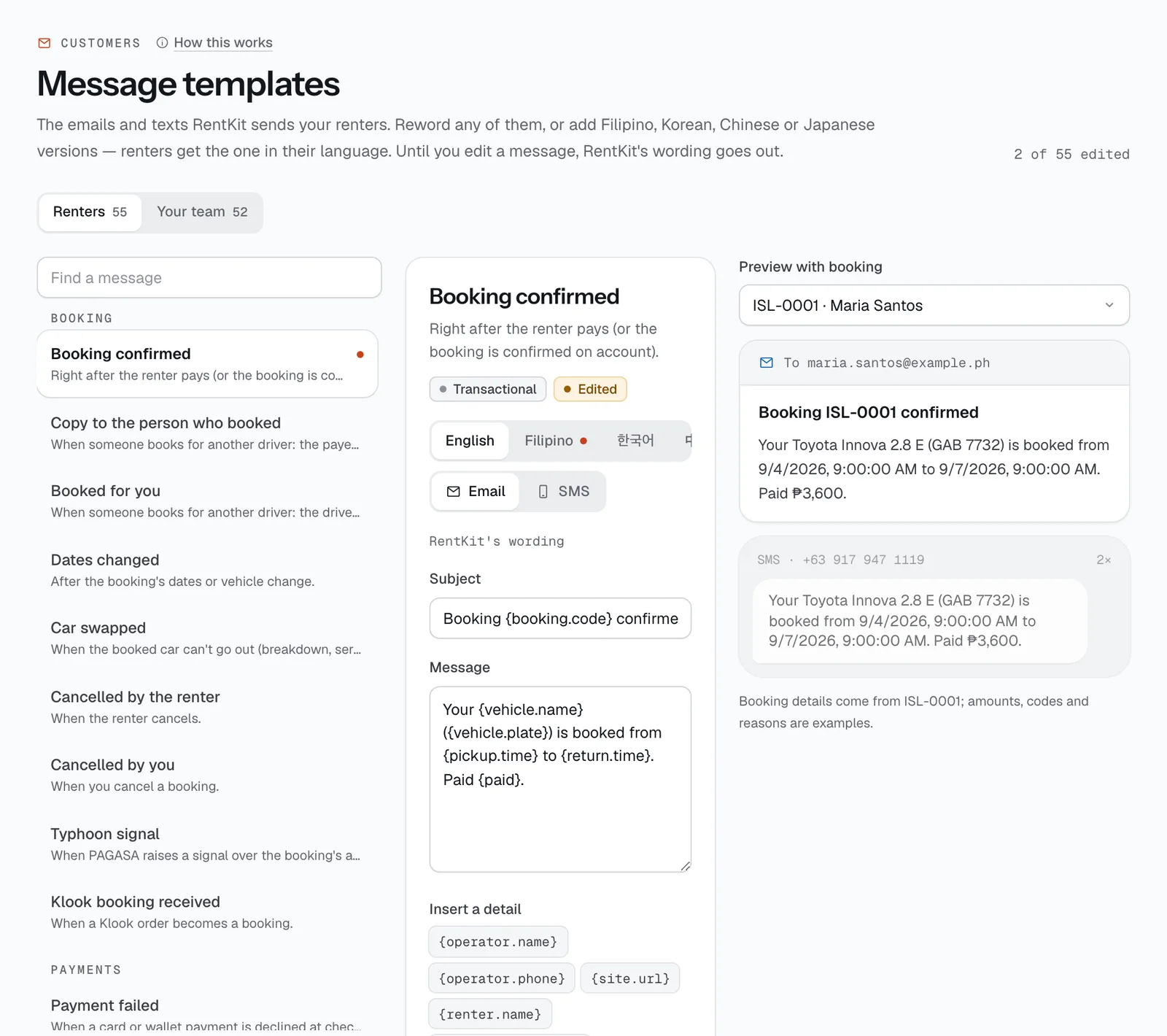
- Switch between Renters and Your team, then pick a message from the list (edited ones are marked).
- Edit the Subject and Message for email, or the text for SMS, and add details like
{booking.code}or{pickup.time}with Insert a detail. - Write a version in another language for renters who booked in it.
- See the message filled in from a real booking in the preview as you type, with the SMS length and parts.
- Reset to default to go back to CeeRent’s wording.
- For a team notice, choose Who gets it: besides the staff alerts, the owners or the managers of the branch it’s about, by SMS or email.
How it works
- Until you edit a message, CeeRent’s own wording goes out. A renter gets the version in their language if you wrote one, otherwise your English one.
- A text without its own SMS wording uses the email text cut to 160 characters. Accents and emoji make each SMS part shorter (70 characters).
- Optional parts:
{?voucher}…{/voucher}only shows when there is one,{^voucher}…{/voucher}only when there isn’t. A message that uses a detail it can’t have won’t save. - Marketing messages (like win-back offers) aren’t sent to renters who turned reminders off.
- Team notices are in English. A routed notice reaches each person once, never the person who did the thing, and at most 20 times an hour — anything more stays in the staff alerts.
Still not sure how it works?
Ask a person, in Filipino or English — Mon–Sat, 8:00–20:00 PHT.