Dashboard · Home
Home
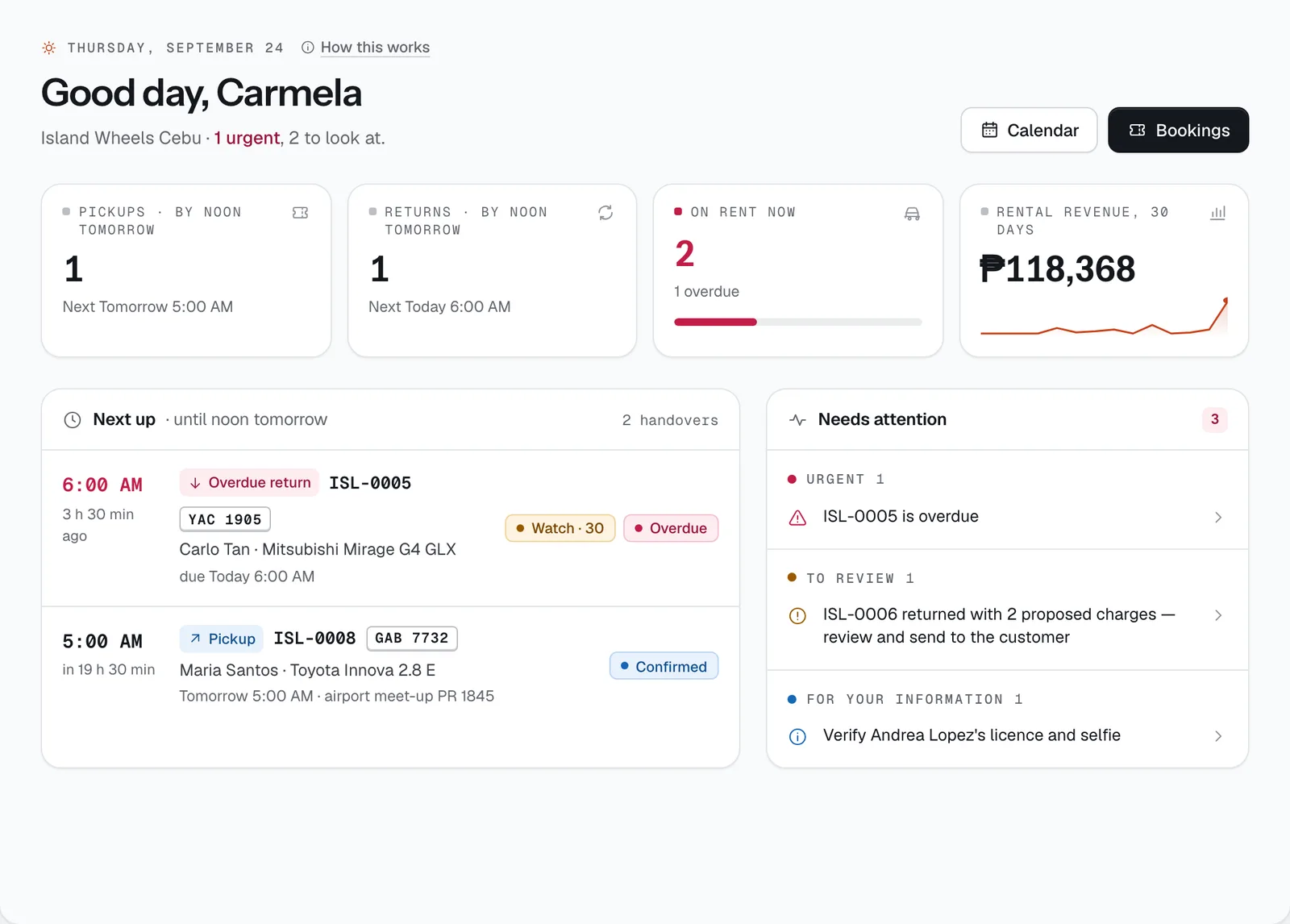
Home: one list of what needs doing, most urgent first — decisions waiting on you, late cars, pickups and returns, requests to answer, licences to verify, papers and upkeep — each with the one button that takes you to do it. The list fills the screen and scrolls inside its own card.
- Where
- Home
- Who can use it
- Owners, managers, front desk and the accountant (the money work). Field staff and drivers land on My schedule instead.
- Plans
- Every plan.
- Checked
- Sep 26, 2026
What you can do
- Work down the list in its sections: Needs your decision (requests from your team waiting on your OK), Needs attention (something is late or wrong), To do today, Early tomorrow (jobs before noon tomorrow), Waiting on others, Coming up (the next 7 days) and Recently completed (the last day, folded).
- Each line says what, why it needs you, and the booking, car or renter it is about; its button (Start pickup, Verify licence, Review charges, Assign a driver, Open…) opens the exact place to do it. A request waiting on your decision opens on its own page, where you approve or reject it.
- Switch between Mine and Everyone. Mine is what is assigned to you, waiting on your decision, or usually done by your role (owners and managers also see the team's late cars and incidents there); Everyone adds the rest of your team's work. Tap What's Mine? for this in short. Everyone opens on Mine, and Home remembers your choice on that device. On Everyone, owners and managers see the team's routine work folded under one line per section (3 for the team: …); anything late or wrong stays in view.
- Read the line at the top of the list: the date, then what needs you now (2 need your decision · 1 needs attention · 3 to do today).
- Tap Handovers today at the top right of the list (today's pickups and returns, with any early tomorrow counted apart) to open the Bookings list's Today view. It is the one figure Home keeps: how many are on rent, what renters still owe and the cash received over the last 30 days are in Reports. The accountant's Home has an Open Reports link for them.
- Until your site is live, owners and managers see the Get set up checklist above the list — as one line while something needs a decision or attention, so it never pushes that work down, and as one line once only optional steps are left. Each step opens where it is done and ticks itself once it is. With no vehicle yet there is nothing to list: the checklist and Add your first vehicle are the page.
- After you go live, Make it yours (optional steps that make renters trust you faster; Hide puts it away) and Idle cars (cars not rented in two weeks, folded, with a promo, Klook or a move to a busier branch) come at the end of the list.
- Jump to Calendar or Bookings from the top of the page.
How it works
- The number next to Home in the menu is what is in Needs your decision, Needs attention and To do today for the Mine or Everyone view you last chose — the same numbers as the line at the top of the list and the sections themselves.
- A with-driver trip in the next 48 hours with no driver yet shows as Assign a driver to … for owners and managers. Someone else's job names who it is assigned to.
- A pickup says when a balance is still to collect, when the booking is high risk, and when the car is not ready yet (turnaround tasks still open).
- A deposit that is past your release promise needs attention because the renter can see the delay on their booking page too.
- When nothing needs you, Home says You're all caught up and shows the next pickup.
- The accountant's Home lists the money work: cash counts to review, owner statements to send, overdue company invoices and refunds that didn't go through.
Still not sure how it works?
Ask a person, in Filipino or English — Mon–Sat, 8:00–20:00 PHT.